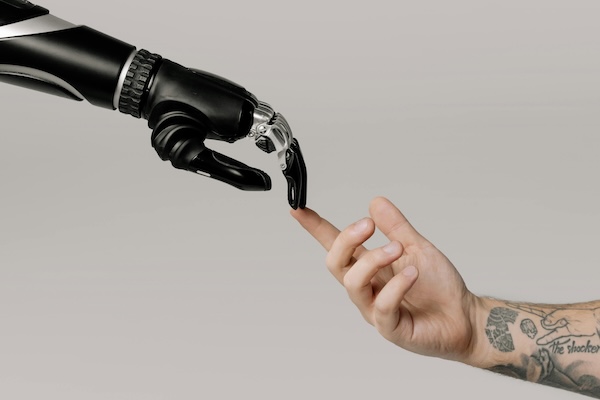
As I explore the creative and analytical possibilities of AI for nonprofit marketing, another skillset is emerging: prompt engineering.
This phrase is a little misleading as it has nothing to do with coding algorithms. Instead, it refers to the way humans speak to “reasoning” machines using text prompts to get the most out of them.
This week I used Microsoft’s AI Copilot to draft an appeal letter for Connecticut Children’s, using a press release published on the hospital’s website about the construction of a new 8-story pediatric tower that is underway. Then I used Google’s version of AI it calls Gemini to draft web copy for volunteers using a brief testimonial-style approach.
The text results were pleasing and without a doubt, time saving. It is too soon to say which tool has the most creative power, so I’m going to use both of them for now.
The Art of Prompting
The process for giving AI applications good input is a bit like writing a creative brief. If the briefs (“prompts”) are specific and on point, you can get a good jump start on a creative initiative because large language models (LLMs) are already so sophisticated.
Guidance in the Career Essentials in Generative AI short course by Microsoft and LinkedIn is that writing strong prompts comes down to: including specifics about what information to include, breaking down the complex into short sentences, and even including desired tone or aesthetic, if looking for a visual.
Prompts that ask the algorithm to role play, provide pros and cons of a situation, or develop creative ideas can be enlightening.
To improve results, I learned to iterate on prompts, struggling a bit when using Microsoft’s Designer tool to generate imagery that would potentially work in a nonprofit situation.
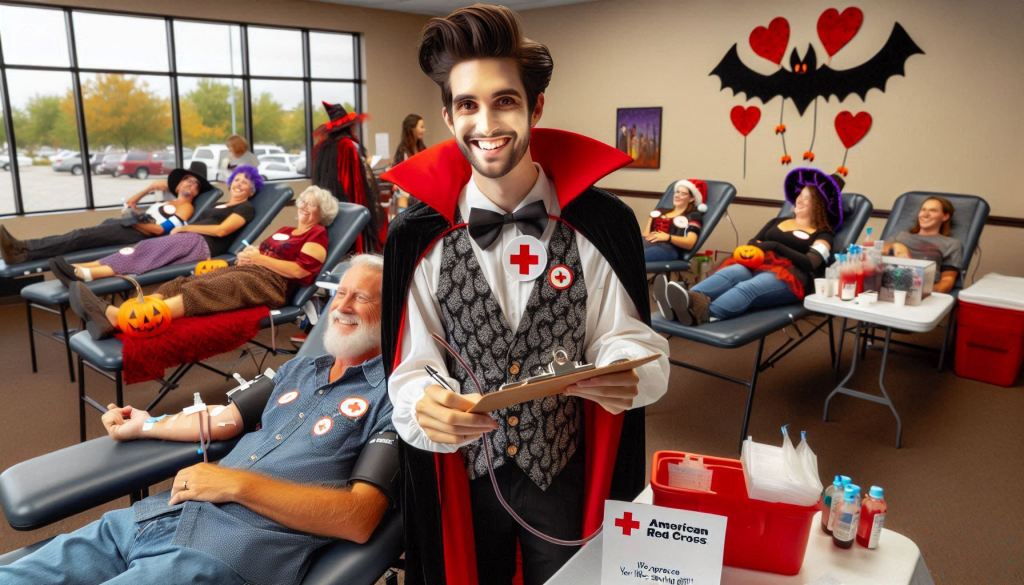
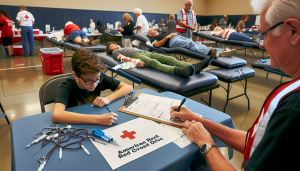
To give you a better idea, here are two initial prompts for imagery needed for a blood drive campaign, and what they yielded:
- Create a true to life photograph showing an American Red Cross blood drive with a volunteer sitting at a table signing people into the event. In the background there are people lying down on tables giving blood and you can see the blood bags hanging up.
- It is Halloween and the American Red Cross is having a blood drive with a volunteer wearing a vamping costume sitting at a table signing people into the event. In the background there are people lying down on tables with IV blood bags. Everyone is wearing Halloween costumes. On the table there is a sign that is crayoned in black, saying “We want your blood.”
I also tried Open AI’s Art application, testing the first prompt above and then trying its editor, which updated my prompt (below) to yield results that were more photorealistic, but not true-to-life:
- (accurately spelled text “American Red Cross”), photorealistic, warm color scheme, vibrant reds and soothing tans, heartfelt atmosphere, people lying on tables donating blood, diverse individuals engaged in the process, blood bags hanging in view, a prominent white sign featuring the Red Cross emblem, “American Red Cross” in clear black type, well-composed background showcasing an inviting blood drive environment, ultra-detailed, inspirational mood.
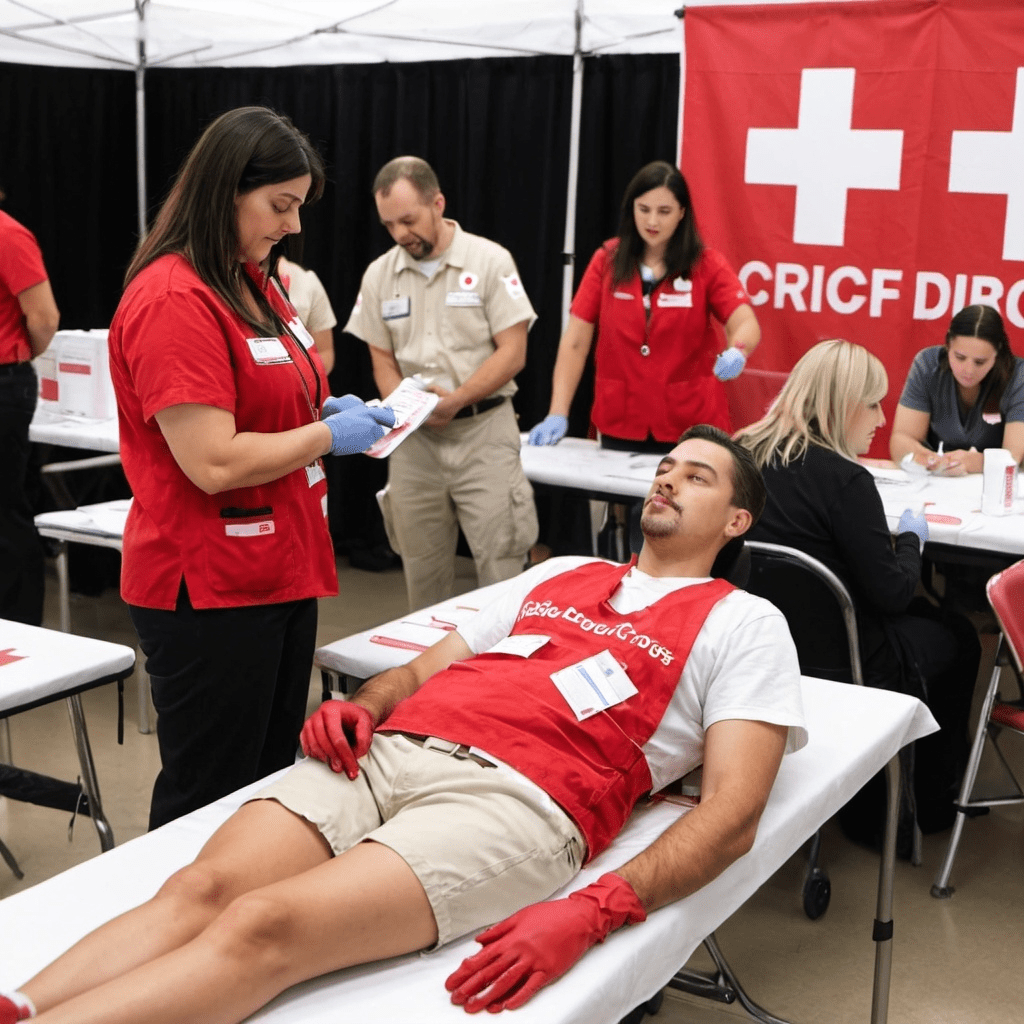
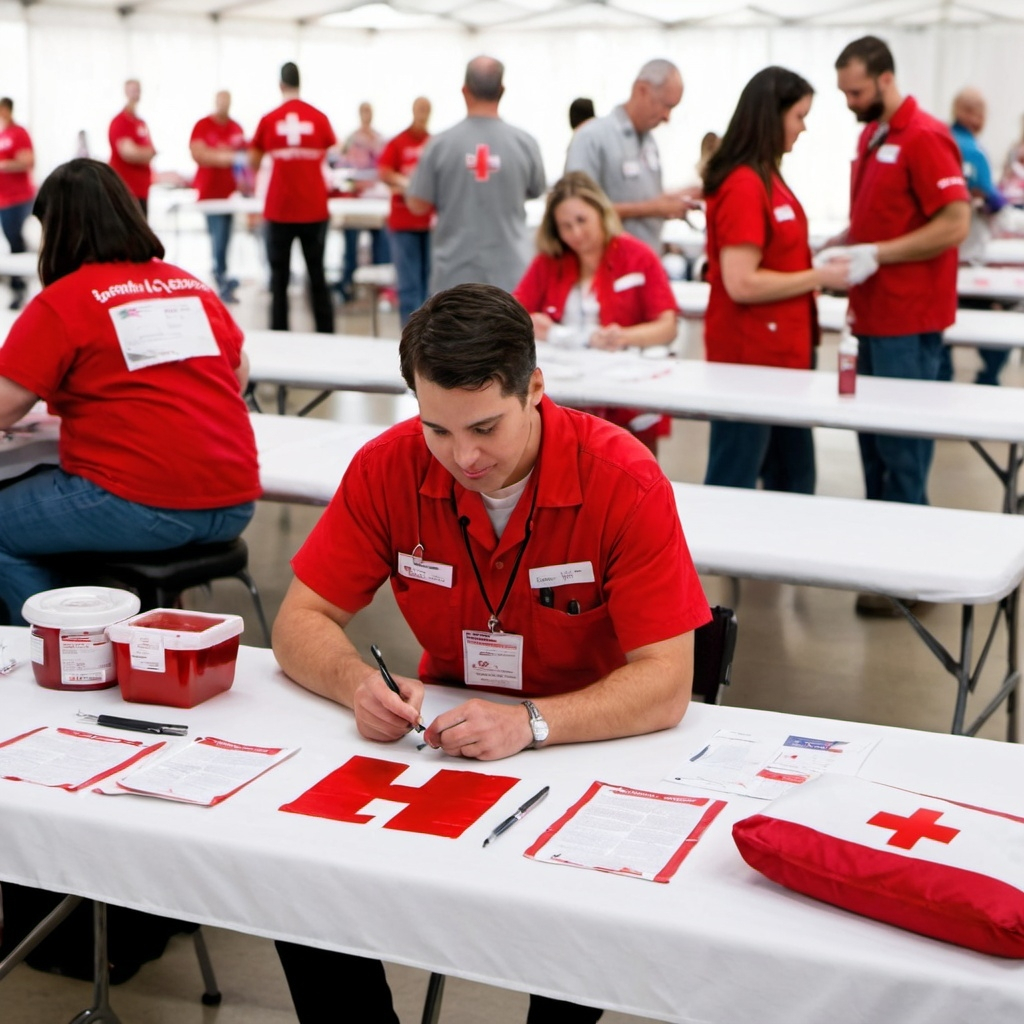
After digging into the practical application of AI for creative endeavors, I am seeing tons of potential with the text generative AI and have a long way to go with the development of images. The information isn’t always accurate and it can take trial and error, but I’m really amazed with what can be produced, in very little time.
For nonprofits or really anyone looking to create efficiencies, I can see why technologists are calling AI the next industrial revolution.
There is an abundance of resources about effective prompting, and most of the AI tools have a free version for anyone who is just getting started. I will leave you with a few of the resources I discovered this week and there is no time like now to see where this takes you:
 On A Mission

Responses to blog